
Panalobet Login : How to Sign In, Fix Problems and Stay Safe
Logging in to Panalobet shouldn’t take more than a minute. You register once, verify your details, and after that it’s just a username or number and a password. From there you get to the sportsbook, the casino, the live dealer tables and whatever promos are running that week.
This page covers all of it: the normal login, signing in by mobile number, using the app, getting back in after you forget your password, and what to do when the site just won’t let you in. Some of it you’ll already know. Skim whatever you like.
What You Can Do Once You’re In
Your account is the only way to use the platform, so it helps to know what’s behind that login button.
- Sports betting. Basketball is the big one for a lot of Filipino players, and you’ll also find boxing, football, tennis and esports.
- Casino games. Slots, roulette, blackjack, baccarat and the usual table games.
- Live dealer tables. Real dealers on a live stream, so it feels closer to a physical casino.
- Promotions. Welcome offers for new accounts and regular deals after that. [Insert current bonus details.]
- Mobile play. The site works fine in a phone browser, and there may be an app too. [Confirm app availability for Android and iOS.]
- Local payments. Deposits and withdrawals through e-wallets or bank transfer. [Confirm methods, such as GCash and Maya.]
- Customer support. Help if something goes wrong. [Insert support hours and languages.]
Read the terms on any bonus before you claim it. Wagering requirements are where most people get caught out.

The Standard Login, Step by Step
- Go to the official Panalobet site. Use your phone or your computer, whichever you like. Look at the address bar before you type anything. Copycat sites exist, and they look convincing.
- Press “Login.” It’s normally at the top right.
- Choose how you want to sign in. Username, email or mobile number, depending on what you used at registration.
- Enter your details and password. Passwords are case-sensitive. If you keep getting rejected, check whether Caps Lock is on. It catches more people than you’d expect.
- Press “Log In.” You’ll land on your account page, where you can see your balance, make a deposit or head straight to the games.
If you haven’t registered yet, do that first. Press “Register,” fill in the form and verify your account. You also have to be 21 or older to gamble legally in the Philippines, and the site will ask you to confirm that.
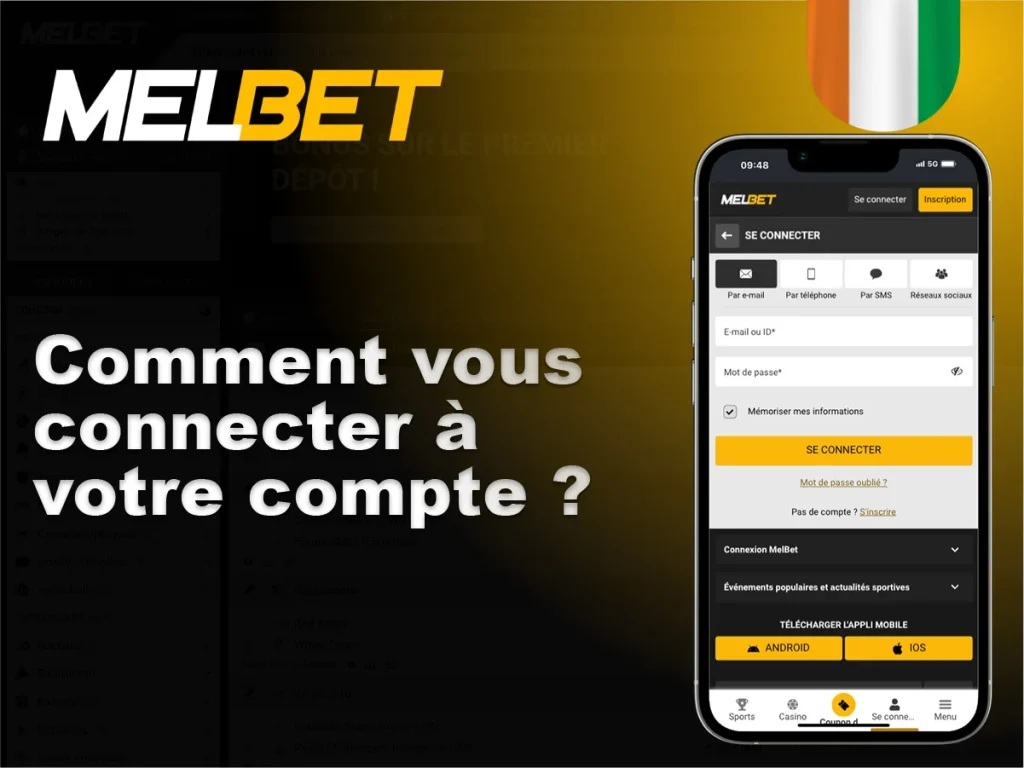
Signing In With Your Mobile Number
This is the method a lot of people prefer, mostly because of the one-time password (OTP). The site texts you a short code. It works once and expires fast. So even if somebody got hold of your password, they’d still need your actual phone to get in.
Here’s how it goes:
- Open the site and press “Login.”
- Pick the mobile number or SMS option.
- Type in the number you registered with.
- If a captcha pops up, solve it, then press “Send Code.”
- Wait for the text, then type the code in.
- Press “Log In.”
Sometimes the code is slow. Before you do anything else, check that you have signal and that you typed the number right. If a couple of minutes pass with nothing, ask for a new one. Don’t hit the button ten times in a row, though. Too many requests can delay the messages even more, and some systems will block you for a while.
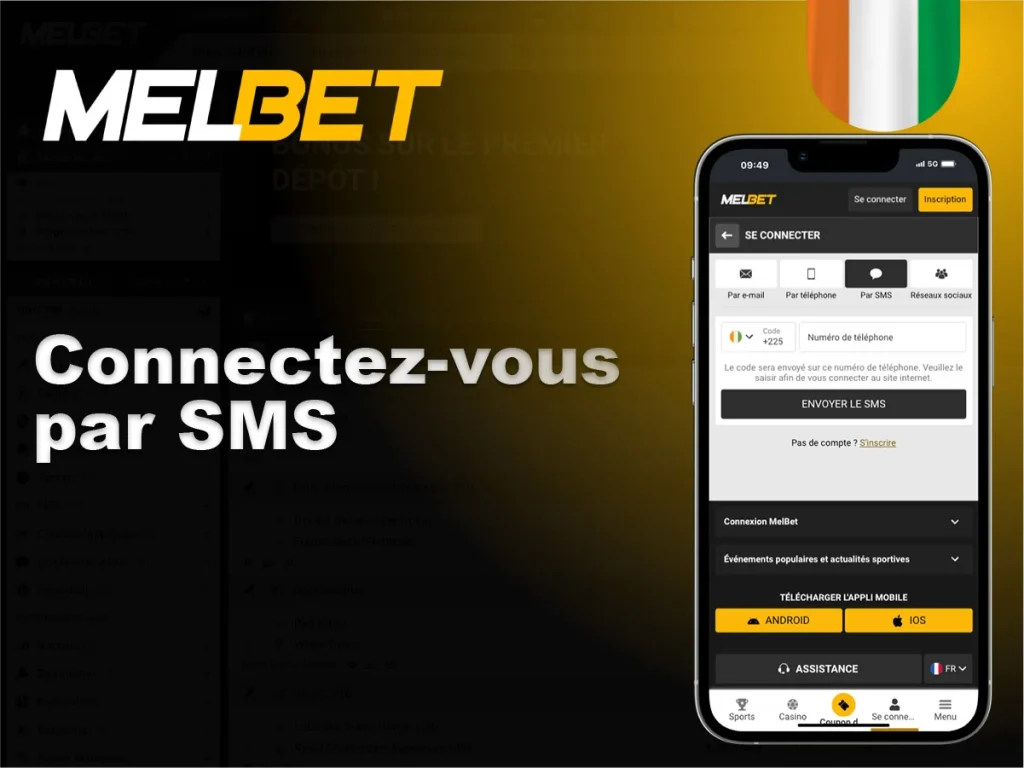
Signing In With Your Email
If you registered with an email address, you can log in with it instead. Type it in, add your password and press “Log In.”
Type the address exactly as you registered it, with no space at the start or the end. That sounds trivial, but a stray space after a copied and pasted address is a surprisingly common reason for a failed login. And if you own several email accounts, try to remember which one you used. Plenty of people burn ten minutes on a reset before realizing they signed up with their other address.
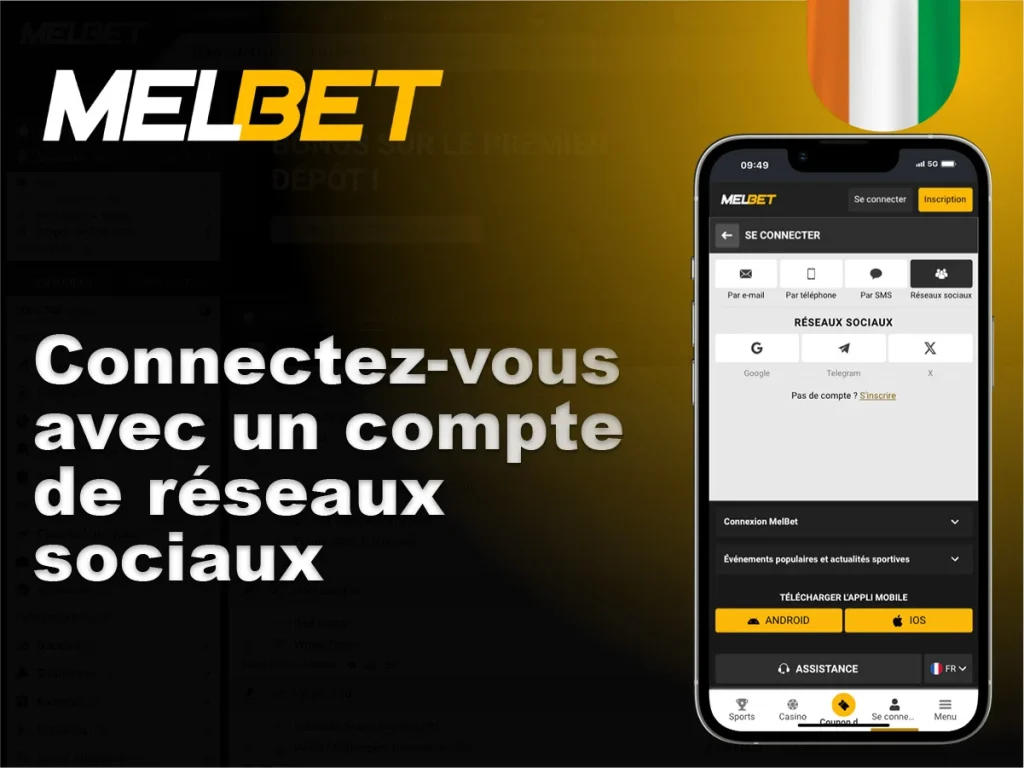
Using the Panalobet App
If you play every day, the app is more comfortable than the browser. Your favorite games sit one tap away and you don’t have to type the web address each time. [Confirm app availability and where to download it.]
- Download the app from the official site or an official app store. Don’t install it from a link some stranger sent you in a chat, and don’t grab it from a random download site.
- Open the app and press “Log In.”
- Enter your username or phone number, then your password.
- Press “Log In.”
Many phones let you turn on fingerprint or face unlock for apps. It’s quicker, but only use it on a phone that nobody else touches. If your brother or a friend can unlock your phone, they can open your betting account too.
If the app suddenly stops letting you in, check for an update first. Old versions often break after the site changes something on its end.
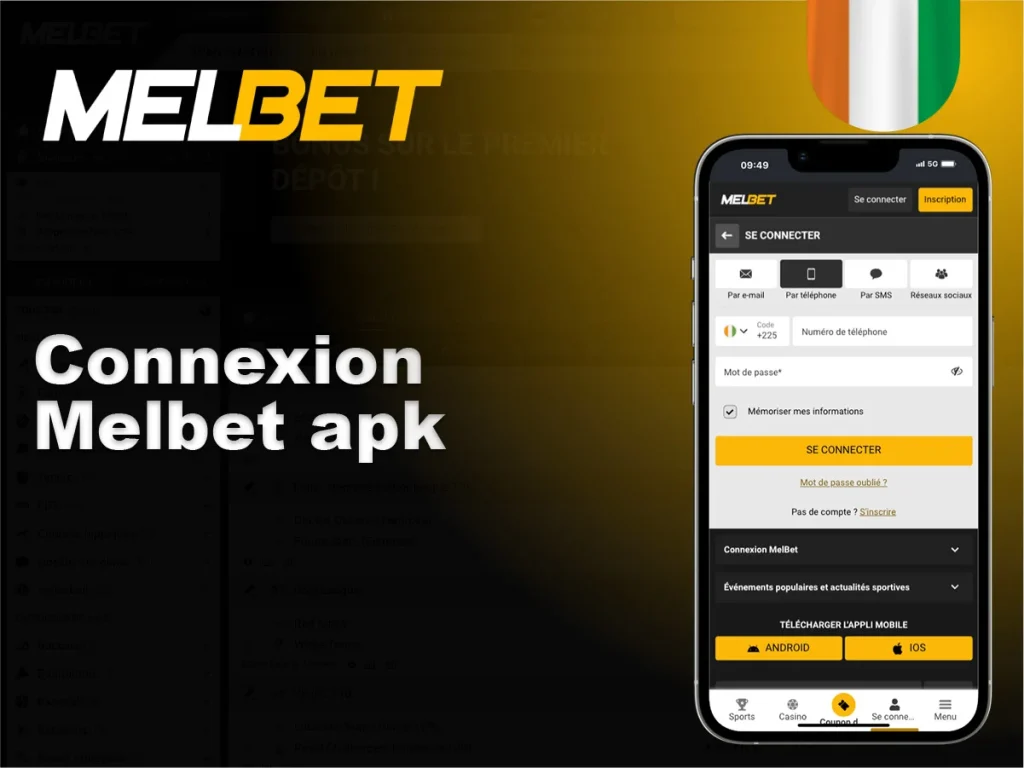
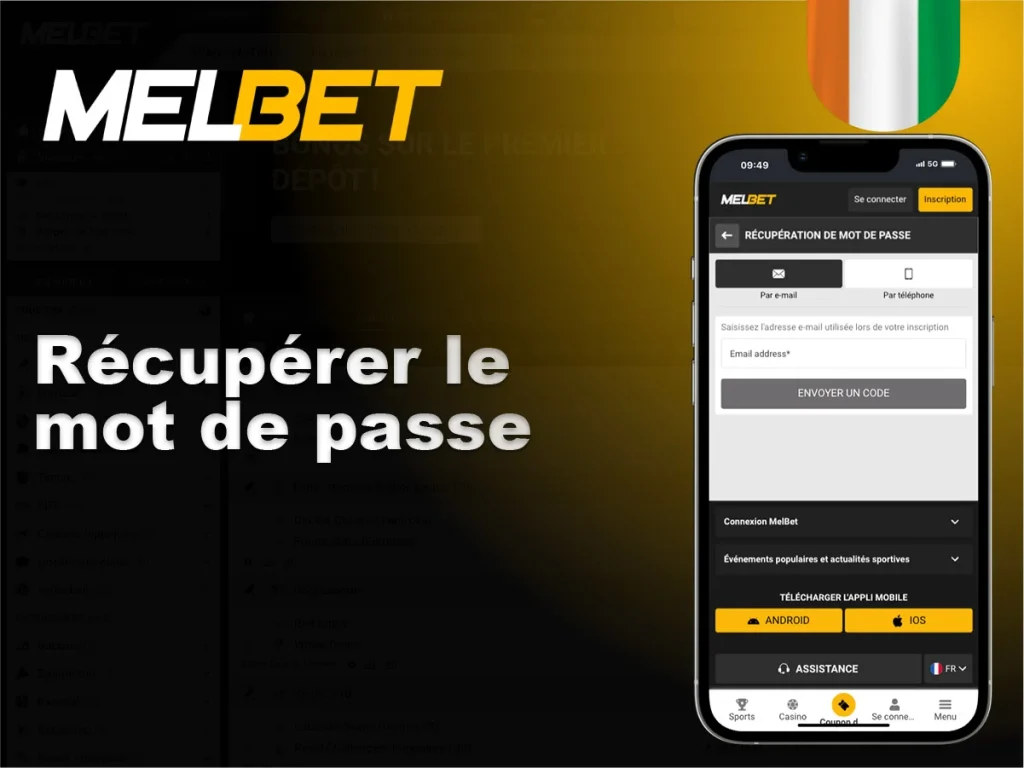
Forgot Your Password?
It happens. Honestly, it’s probably the most common login problem there is. Here’s the fix:
- Open the Panalobet login page.
- Press “Forgot Password.”
- Choose email or mobile number as your recovery method.
- Enter the email or number linked to your account, then press “Send.”
- Look in your inbox or your texts for a verification code or a reset link. If it’s email, check the spam folder too.
- Enter the code and choose a new password.
- Log in with the new one.
When you pick the new password, don’t go for something easy. Birthdays, your name, “password123” and “123456” are the first things anyone would try. A mix of letters, numbers and symbols is better. Better still, use a password you’ve never used anywhere else. If one site gets hacked and you’ve reused that password, every other account with the same one is at risk.
A password manager is worth a look if you juggle a lot of accounts. It remembers everything so you don’t have to.
Why You Might Not Be Able to Log In
Most login trouble comes down to a handful of causes, and the fixes are usually quick.
- Wrong username or password. Check for typos, extra spaces and Caps Lock. If it still fails after two tries, stop guessing and use the password reset. Repeated wrong attempts can lock you out.
- Your account is locked. After several failed attempts, the system may lock your account for a while. It’s annoying, but it exists to protect you from someone trying to break in. You can wait it out or message support to ask for help. [Confirm the lock rules and duration.]
- The page won’t load. Nine times out of ten this is your connection. Switch from Wi-Fi to mobile data, or the other way around. Refresh the page. If that fails, clear your browser’s cache and cookies and try again.
- You’re using an old version of the app. Update it, then try once more.
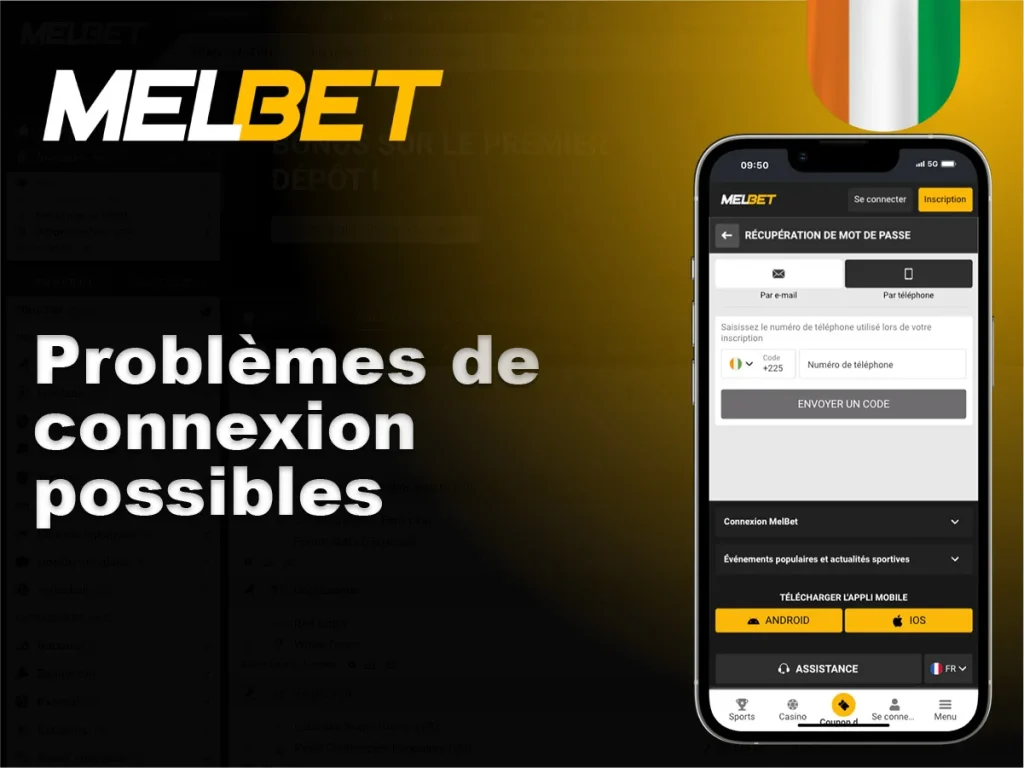
- The verification code never arrives. Check your signal, make sure the number is right and give it a minute or two. Then ask for a fresh code.
- Your account isn’t verified. Some features, withdrawals in particular, may be locked until you verify your identity. Keep a valid government ID nearby, because you’ll probably be asked for it. [Confirm verification requirements.]
If none of those fix it, contact customer support. Tell them your username and describe what happens when you try to log in. If there’s an error message, copy it word for word or take a screenshot. And one thing worth repeating: never give anyone your password, even if they say they work for support. Real staff don’t need it.
Keeping Your Account Safe
Nobody thinks about this until something goes wrong. A few habits make a big difference:
- Only log in through the official site or app. Fake login pages are a common trick. They look identical, you type your details, and the scammers now have them.
- Don’t share your password or OTP codes. Not with friends, not with “support agents” who message you first, not with anyone.
- Use a password that’s unique to this account. Change it now and then.
- Log out on shared devices. Internet cafés, a friend’s laptop, a family computer. If you didn’t log out, the next person might get in.
- Be careful on public Wi-Fi. Mall or café Wi-Fi is fine for scrolling, but we wouldn’t log in to a betting account or make a payment on it.
- Keep your contact details current. If you change your number or email and forget to update the account, you could lose your way back in.
Play Responsibly
Betting should be entertainment, the same way going to a movie is. It isn’t a way to make a living or fix money trouble. Decide how much you’re comfortable spending before you start, and stop when you reach that number, even if you’re on a winning streak. Don’t gamble with money meant for rent, food, school fees or bills. Take breaks. If you notice yourself chasing losses or hiding how much you spend, that’s the moment to step back.
Most platforms offer tools such as deposit limits and cool-off periods, so use them. If gambling is starting to cause problems for you or someone close to you, talk to someone you trust or reach out to a support organization. Only adults of legal age should use the platform.